Approving from ShowingTime
You can also confirm or cancel requested showing appointments from ShowingTime directly.
- In your Profile on the main page, click the number under the Showings Requested on My Listings. The window opens.
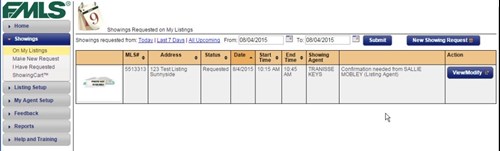
- Click View/Modify button. The Request Appointment screen opens.
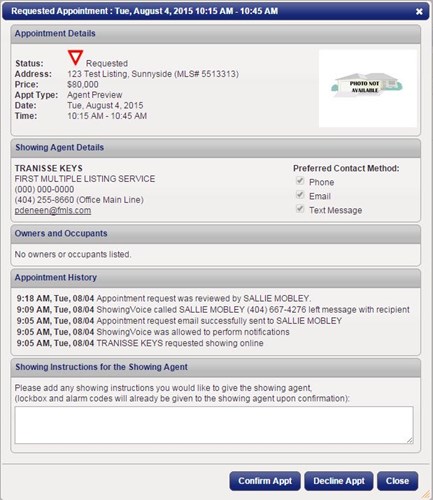
- Review the request and click Confirm Appt. The appointment is now confirmed.